Real contest problems, picked for the level your kid is actually at.
Every AMC 8, AMC 10, AMC 12 and AIME problem ever published, with the official answers, plus 13,531 chess puzzles. Your rating goes up when you beat a hard one, which turns out to be the part kids check.
Nothing your child does here leaves the device. It runs on the family iPad and on a school Chromebook with the wifi down.
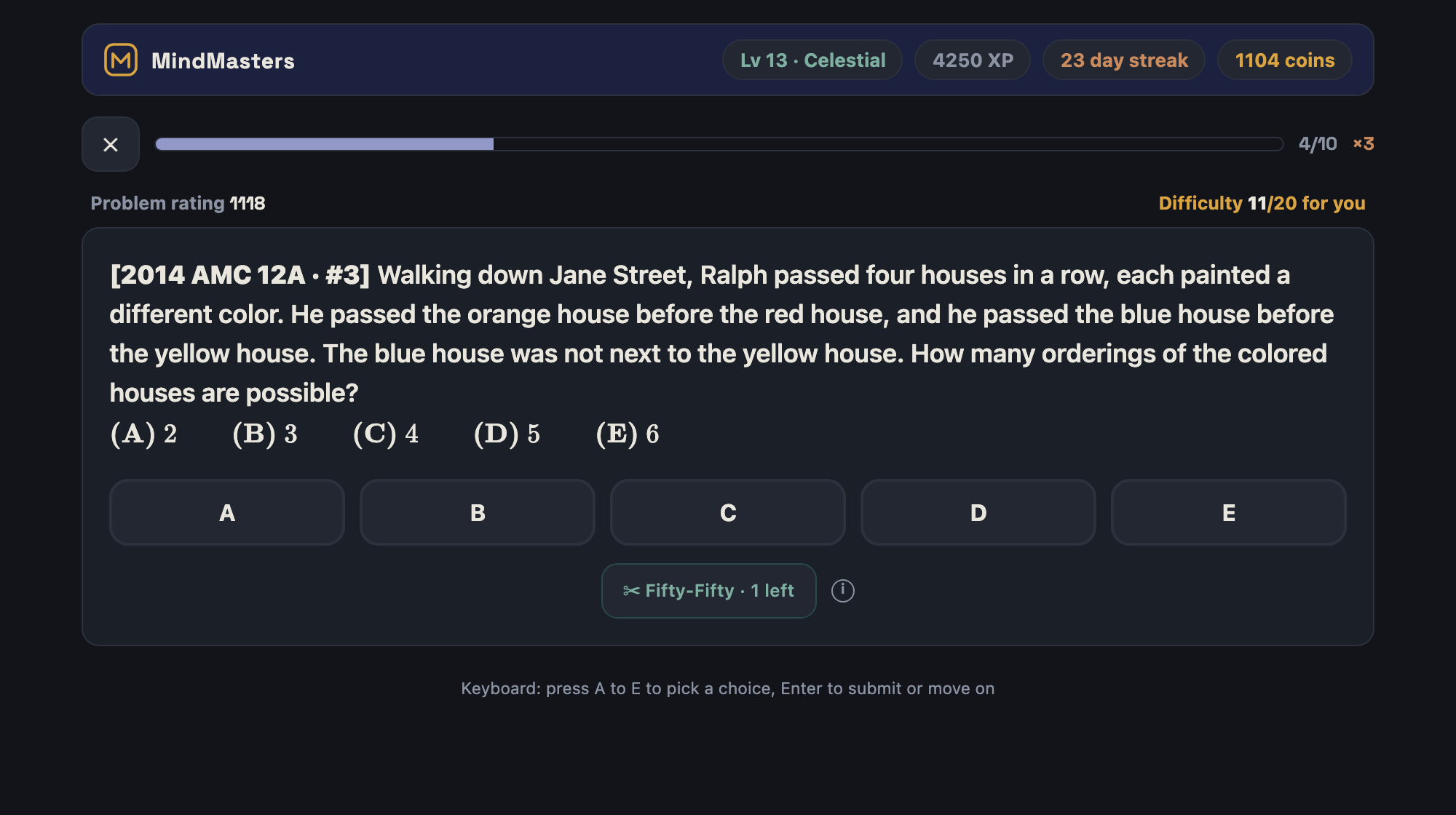
Ten problems, picked for exactly where you are.
Tap Train
It pulls ten problems you haven't solved, from every topic at once, matched to your rating. You never pick a difficulty and you never get handed something hopeless.
Answer, then see the real solution
Every contest problem shows its official answer and links to the worked solution on the AoPS wiki. Miss one and it's back tomorrow in Smart Review.
Watch the rating move
Math and chess each carry their own rating. Beat something above your level and it jumps. The profile draws every rated game you've played as one line.
Come back tomorrow
A streak to protect, a daily challenge, monthly seasons, and a chest that won't open until the day's checklist is done. None of it is subtle. It's aimed at nine-year-olds.
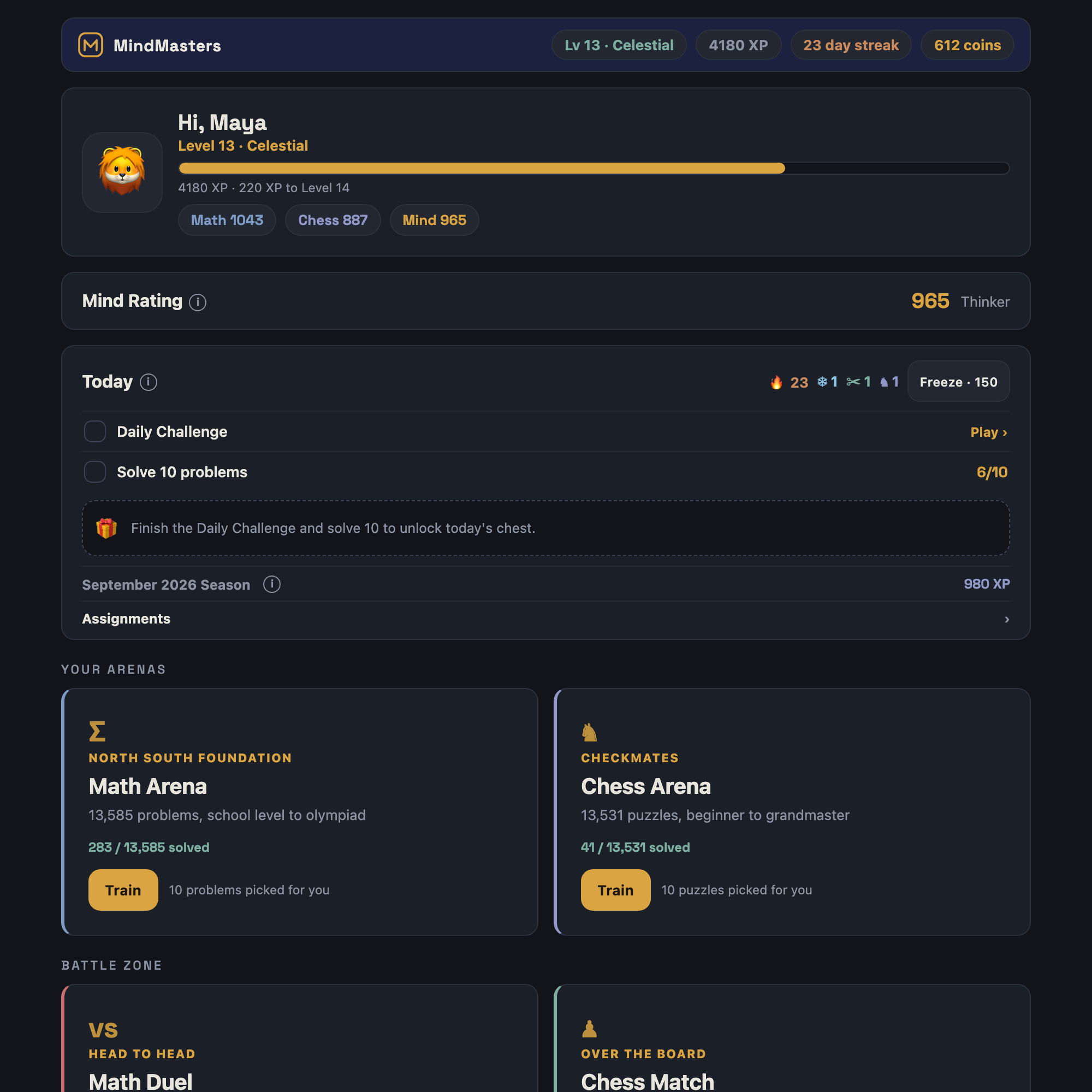
One place for today.
The Today card is the checklist that unlocks the chest. Under it, each arena has its own Train button and a count of everything solved so far.
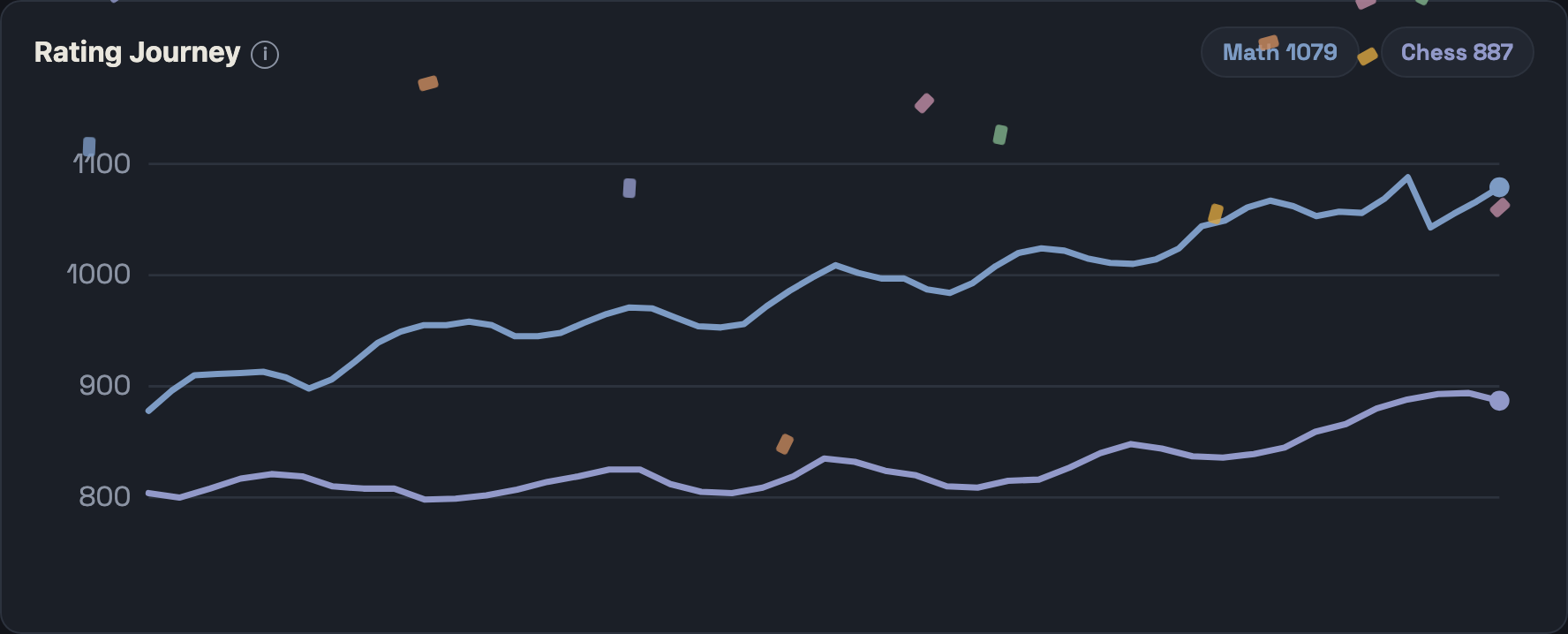
A line that goes up.
They work like chess ratings. An 800 is a beginner, a 1400 is a strong middle schooler, and every answer moves the number a little. Kids check it the way adults check a step counter.
Safe to hand a nine-year-old.
There's no sign-up and no server, so nothing your child does gets sent anywhere. Progress is saved in the browser on the device they use, which also means it's worth making a backup code from the profile screen if they're likely to switch devices. Several kids can share one iPad, each with their own account and a password if they want one.
- Every math problem is an actual past contest problem with its official answer. Nothing is invented.
- To install it: on an iPad or iPhone open the site in Safari, tap Share, then Add to Home Screen. On a Chromebook or laptop, Chrome offers Install in the address bar.
A class, without the admin.
- Assignments by code. Build a set from any topic or contest, read out the code, students paste it in.
- Results come back the same way. Students send a submission code. It fills your roster, flags whoever skipped it, and shows which problem tripped the most kids.
- Reports you can print. A class report and per-student pages, plus CSV if you'd rather use your own spreadsheet.
- An optional live leaderboard through a free Firebase setup, explained inside the app.
- 191 practice tests with official timing and scoring, so a Saturday mock exam needs no preparation from you.
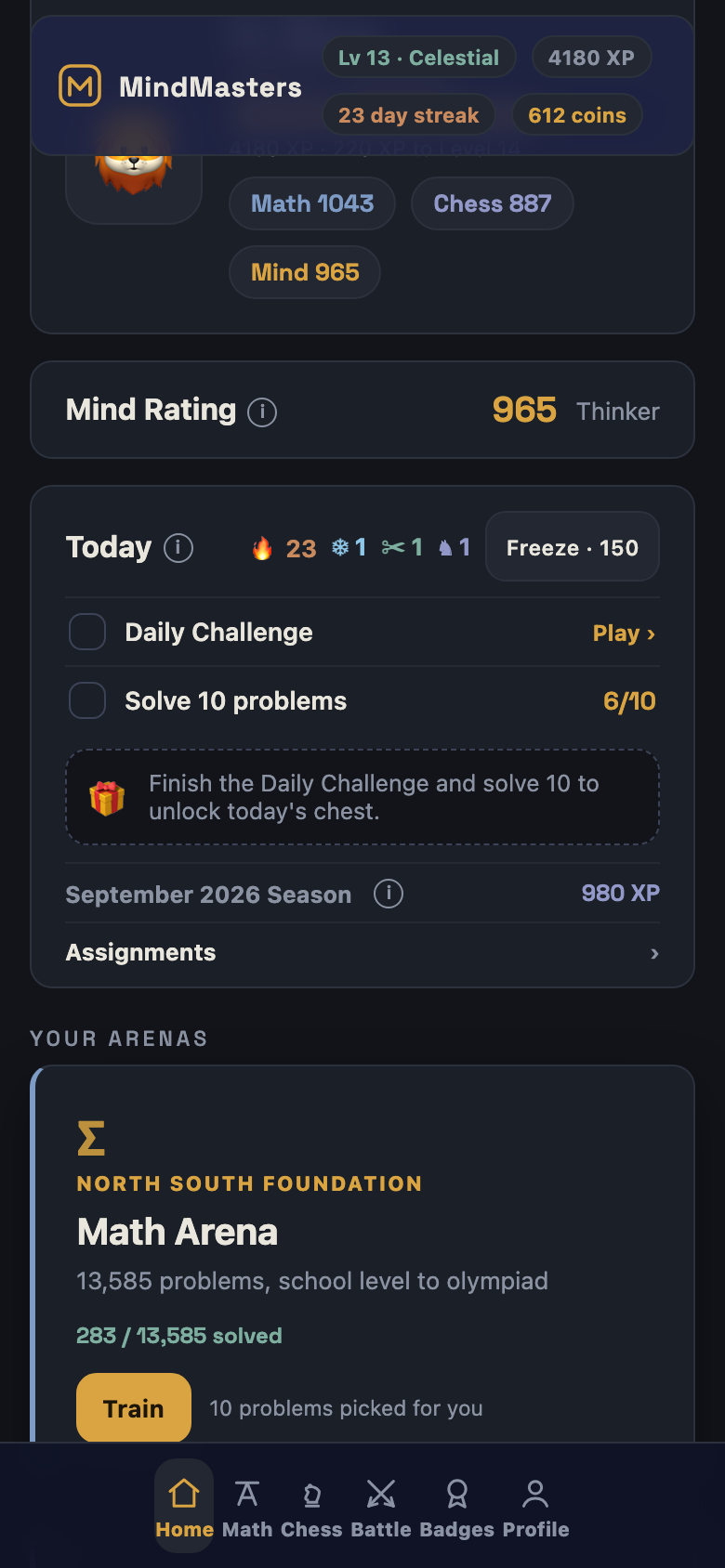
Small screen, same app.
The board, the diagrams and the timed practice tests all fit a phone, so the daily challenge gets done in the car.
Things people ask.
Is it really free?
Yes. There's no paid tier and nothing to buy later. It's one web page that runs in the browser.
Which contests are covered?
Every AMC 8 from 1999, every AMC 10 and AMC 12 from 2000, and every AIME from 1983, all with official answers. The topic arenas sort those same problems by subject and add school-level practice for younger students. Chess runs from first openings to grandmaster tactics.
Where is my child's progress saved?
In the browser on the device they use, and nowhere else. If they switch devices or the browser gets reset, the profile screen makes a backup code that restores everything.
Does it work without internet?
Yes. The first visit downloads the whole thing, and after that it opens like any other app whether or not you have a connection.
Can I use it with a class?
Yes. Make a teacher account, build an assignment, share the code. Nobody needs an account on any server, and results come back as codes or through a class leaderboard you set up yourself.
Who made this?
Pratham Mukewar. I coach North South Foundation math and CheckMates chess, and I built this for my own students. The code's on GitHub.